When you click on links to various merchants on this site and make a purchase, this can result in this site earning a commission. Affiliate programs and affiliations include, but are not limited to, the eBay Partner Network.
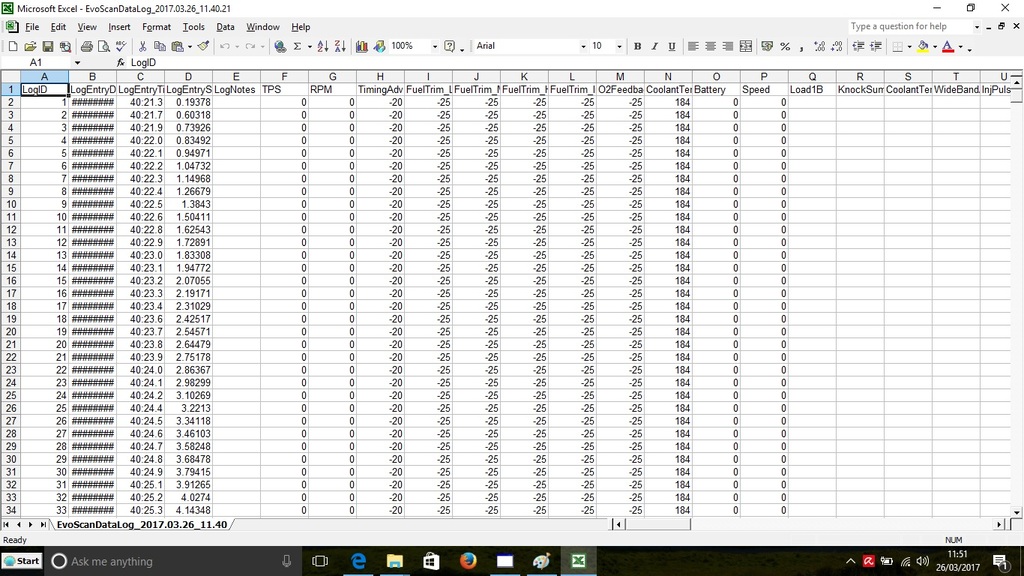
Hi. Ive recently bought evoscan and a Wideband AFR sensor (not yet fitted) so I can look into the tuning side of evo ownership. I like to understand how things work rather than just pass it off to someone else and trust its all perfect, plus i've got an intermittent misfire at high load but that's another story for another day.... anyway, ive read my rom file with ecuflash and can get evoscan to connect but my logs are totally empty. None of the values change other than the time. Ive had a small amount of help over the phone from a tuner I know but haven't got anywhere with it so I was hoping someone might see an obvious problem or be able to tell me where to look? Im a bit of a noob on this stuff (ive watched the ecuflash tutorial videos etc and am working through merlins PDF) so go easy on me, but i have got a half decent head on my shoulders so hopefully I can get it sorted with a little help. Probably worth mentioning ive got a 1.3u cable and an evo IX
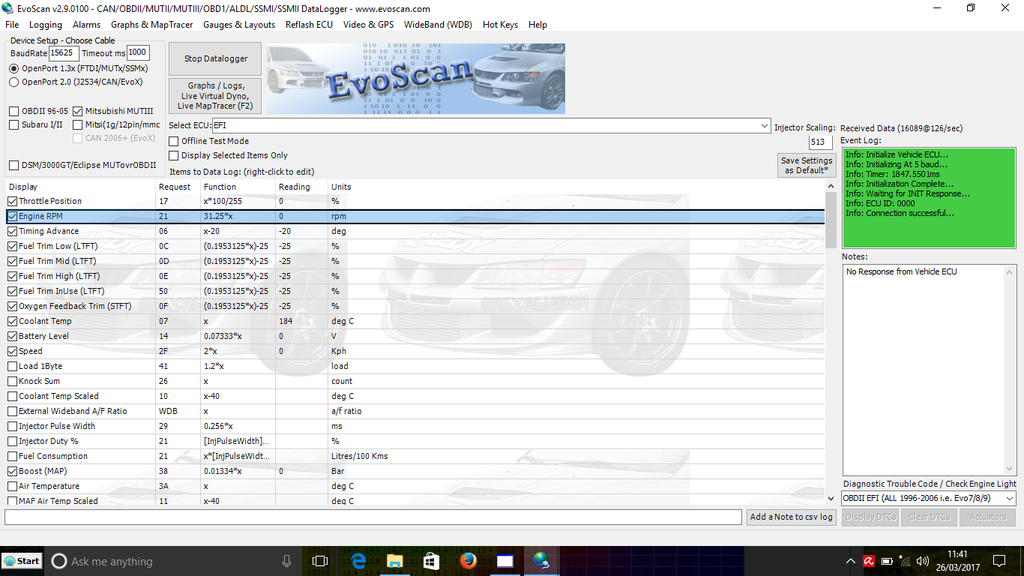
It could be a baud rate mismatch between ECU and EvoScan. EvoScan is running at 15625 baud - top left of your screen capture. Do you have ECUFlash? If so, download your ROM and check the baud rate is the same for MUTII.
Nope it won't connect. I've read about someone getting 62500 to work, why wouldn't 50000 work? I tried 62500 in evoscan just to see what happened and it connected for a a few seconds and then cut out. Out of sync I guess. Any other ideas welcome
Tried changing the settings in the bottom right. Switched to MUTII and it connected but the logs were still empty, switched back and it connected that time but the logs were still empty?! KMN
I thought I updated this thread. Ithe was the drivers. Go into device manager with the cable plugged in, remove the driver and delete the install files. Then download the latest drivers from evoscan and install. Mine works a treat now